How to Choose the Best POS Software for Small Businesses in 2026
Learn what features to look for when choosing POS software for a small business, including billing, inventory, reports, user access, receipt printing and offline support
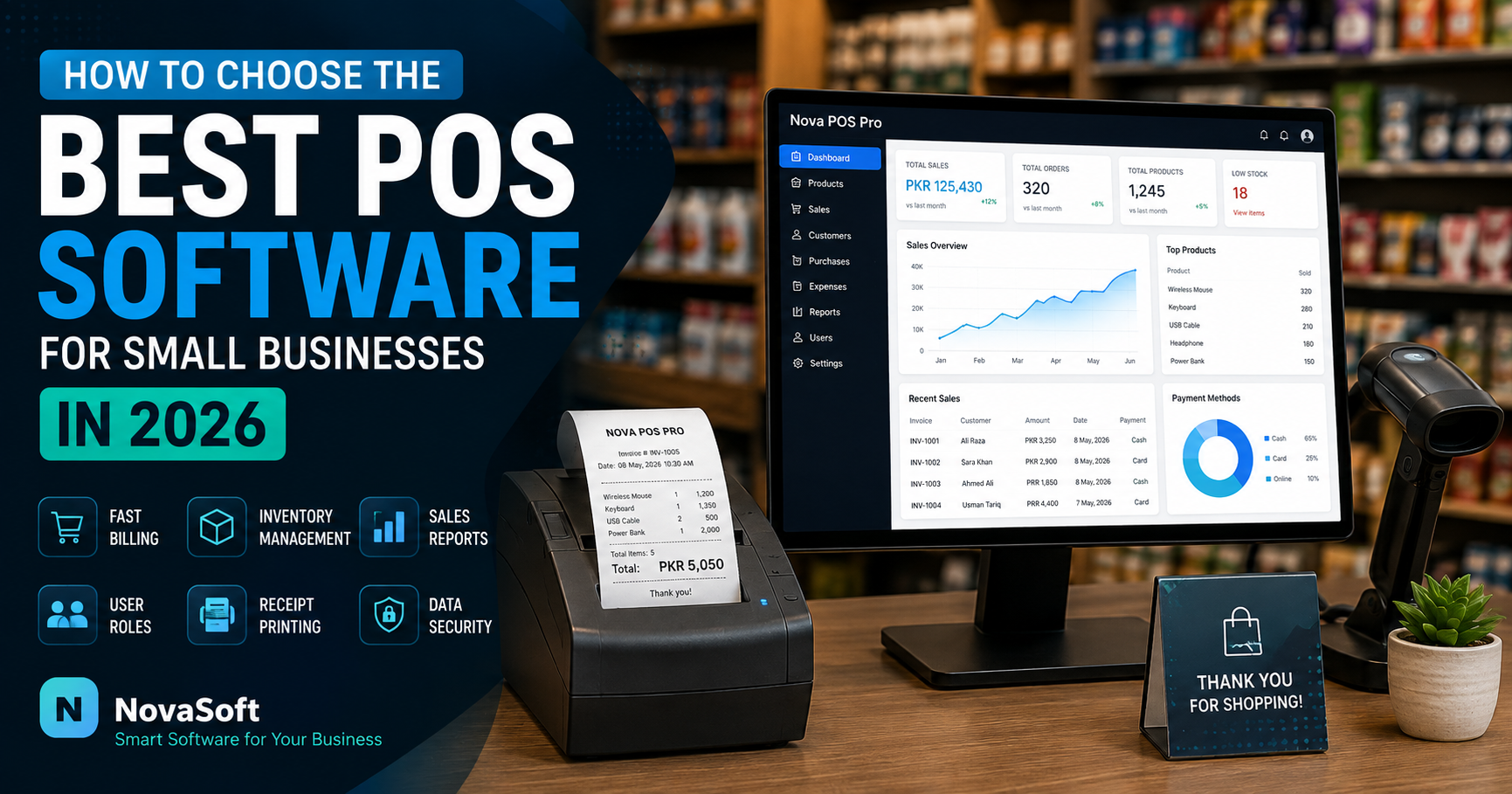
Choosing the right Point of Sale (POS) software can make everyday business operations faster, easier and more organized.
For a small business, a POS system is no longer just a tool for creating bills. Modern POS software can help manage products, inventory, users, receipts, sales records and other important business information from one place.
In this guide, we will explain the main features you should consider when choosing POS software for your business in 2026.
What Is POS Software?
POS stands for Point of Sale.
It is the system used by a business to process sales and record transactions. Depending on the software, a POS system may also manage inventory, customer information, employees, receipts and reports.
A simple POS system can be useful for retail shops, restaurants, grocery stores, clothing stores, pharmacies, electronics shops and many other businesses.
1. Easy and Fast Billing
The billing screen should be simple enough for staff to use without complicated training.
A useful POS system should allow products to be selected quickly, calculate totals automatically and generate an invoice or receipt in a few steps.
For businesses with many daily customers, faster billing can reduce waiting time at the counter.
2. Product and Inventory Management
Inventory management is one of the most useful features of a modern POS system.
The software should allow the business to store information such as:
Product name
Category
Selling price
Available stock
Barcode or SKU
Unit
Product image
Description
When a product is sold, the stock quantity should be updated automatically.
This can help business owners understand which products are available and which items may need to be purchased again.
3. Receipt Printing
Before choosing a POS system, check which printers it supports.
Many small businesses use thermal receipt printers such as 58mm or 80mm printers. Some businesses may also need A4 invoices.
A flexible POS system should support the type of printing required by the business.
4. User Roles and Access Control
If multiple employees use the same system, every person should not necessarily have full administrative access.
For example, a business may have:
Administrator
Manager
Cashier
The administrator may be allowed to change settings and manage products, while a cashier may only need access to billing.
User roles can help protect important business information and reduce accidental changes.
5. Sales History and Reports
A POS system should make it easier to review previous transactions.
Useful reports may include:
Daily sales
Monthly sales
Product sales
Invoice history
Stock information
User activity
Reports give business owners a clearer view of how the business is performing.
6. Offline or Online POS
Businesses should also decide whether they need an offline or cloud-based POS system.
An offline desktop POS can be useful when internet connectivity is unreliable. The software can continue working on the local computer even when the internet is unavailable.
A cloud or web-based POS may be useful when the business needs access from different locations or devices.
Some businesses may benefit from a combination of both approaches.
7. Backup and Data Safety
Business sales and inventory records are important information.
A good POS system should provide a reliable backup method so data can be restored if a computer develops a problem.
Businesses should also create regular backups instead of depending on only one copy of their database.
8. Simple Interface
More features do not always mean better software.
If employees cannot understand the interface, daily work can become slower.
A good POS system should have a clean dashboard and clearly organized sections for billing, products, reports and settings.
9. Ability to Customize the Software
Every business works differently.
A restaurant may need table management, while a retail shop may need barcode scanning and inventory control.
For this reason, customizable POS software can be useful when standard software does not match the exact workflow of a business.
Custom features may include:
Barcode support
Restaurant table management
Custom receipts
Multiple users
Special reports
Inventory alerts
Customer records
License activation
Different printer sizes
10. Consider Future Growth
A business may be small today but grow in the future.
When selecting a POS solution, consider whether the software can later support more products, more users, additional modules or other business requirements.
Changing an entire system after a business has accumulated a large amount of data can be inconvenient.
Which POS Software Is Right for Your Business?
There is no single POS system that is perfect for every business.
The right choice depends on the type of business, number of products, employees, printer requirements, internet availability and the reports required by the owner.
Before purchasing POS software, make a list of the functions your business actually needs.
For many small businesses, the most important starting features are:
Fast billing
Product management
Inventory tracking
Receipt printing
User access
Sales history
Backup support
Final Thoughts
A well-designed POS system can reduce repetitive manual work and make daily sales easier to manage.
Instead of choosing software only because it has a large number of features, choose a system that fits the actual workflow of your business.
NovaSoft develops POS and business management software that can be customized according to different business requirements.
If your business needs a custom POS system, inventory solution or other business software, you can discuss your requirements with NovaSoft through the Custom Development section.
Nova POS Pro
Professional POS, billing and inventory software for Windows.
View SoftwareNeed Software for Your Business?
NovaSoft develops custom business software, POS systems, Windows applications and websites.
Discuss Your Project