How to Build a Professional Business Website in 2026: Complete Guide for Beginners
Learn how to build a professional business website in 2026, from choosing a domain and hosting to design, security, SEO, payments and launching your website.
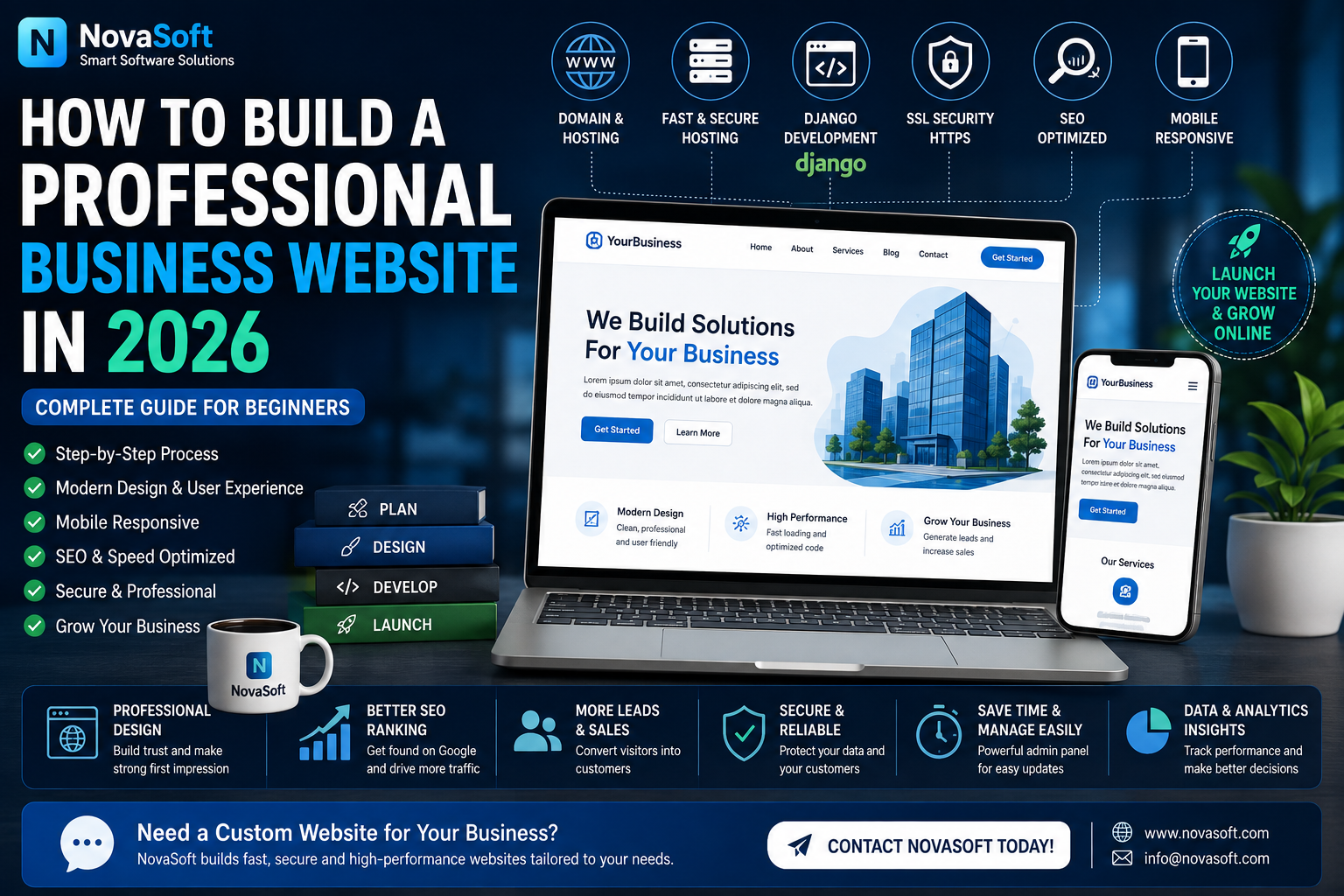
How to Build a Professional Business Website in 2026: Complete Guide for Beginners
Having a professional website is no longer optional for many businesses. Customers increasingly search online before purchasing a product, contacting a company or choosing a service provider.
A good business website can help you showcase your products and services, generate customer inquiries, build credibility and even sell products online.
The good news is that you do not need to understand every technical detail before starting. This guide explains the main steps involved in building a professional business website in 2026.
1. DECIDE THE PURPOSE OF YOUR WEBSITE
Before choosing hosting or designing pages, decide exactly what your website needs to achieve.
Different businesses need different types of websites.
For example:
A software company may need product pages and software downloads.
A restaurant may need menus, locations and online reservations.
A service business may need quotation and contact forms.
An online store may need products, customer accounts, payments and order management.
A blog may focus primarily on articles and search traffic.
Write down the main features you need before development begins.
This can prevent unnecessary features from making the website complicated.
2. CHOOSE A PROFESSIONAL DOMAIN NAME
Your domain name is the address customers use to visit your website.
A good domain should ideally be:
Easy to remember
Easy to spell
Related to your brand
Short enough to type easily
Suitable for long-term use
For many businesses, a .com domain is a popular choice because users are familiar with it.
However, other domain extensions may also be appropriate depending on the business and target market.
Avoid unnecessarily complicated names, excessive hyphens or difficult spellings.
Your domain becomes part of your business identity, so choose it carefully.
3. CHOOSE THE RIGHT WEB HOSTING
A domain gives your website an address, while hosting provides the server resources needed to run the website.
The hosting requirements depend on the type of website.
A small static website requires relatively few resources.
A dynamic business website may require:
Python or another backend environment
A database
File storage
SSL support
Email functionality
Backups
Server configuration
A larger application may require additional CPU, RAM, storage and bandwidth.
Do not choose hosting only because it is cheap.
Consider reliability, performance, security, technical requirements and the ability to upgrade later.
4. CHOOSE HOW THE WEBSITE WILL BE BUILT
There are several ways to build a website.
Website builders can be suitable for relatively simple websites.
Content management systems can provide themes and plugins for common requirements.
Custom web development is useful when a business requires specific functionality or workflows.
For example, a custom website may include:
Customer accounts
Admin dashboard
Order management
Software downloads
Licensing systems
Payment verification
Inventory management
Custom reports
API integrations
Business automation
Python and Django are examples of technologies that can be used to develop powerful custom web applications.
The right approach depends on the requirements of the project.
5. CREATE A CLEAN AND MOBILE-FRIENDLY DESIGN
Visitors should be able to understand your website quickly.
A professional website should have:
Clear navigation
Readable text
Consistent design
Professional images
Visible contact information
Clear buttons
Mobile-friendly layouts
Avoid filling every part of the screen with unnecessary information.
Important pages should be easy to find.
A typical business website may include:
Home
Products or Services
About
Blog
Contact
Customer Account
Privacy Policy
Terms and Conditions
More advanced websites can include additional sections depending on their functionality.
6. MAKE YOUR WEBSITE MOBILE RESPONSIVE
A website should work properly on desktop computers, tablets and mobile phones.
Mobile responsiveness means the layout automatically adapts to different screen sizes.
This is important because many visitors may access your website from smartphones.
Check important elements such as:
Navigation menus
Images
Forms
Product cards
Buttons
Checkout pages
Text size
Users should not need to zoom excessively or scroll sideways to use the website.
7. ADD SSL AND HTTPS
Security is an important part of running a professional website.
Visitors should access the website using HTTPS.
SSL helps encrypt information transferred between the visitor and the website.
Modern hosting platforms commonly provide ways to configure SSL certificates.
Once configured, your website address should appear with HTTPS.
This is particularly important for websites that process:
User accounts
Contact information
Orders
Payments
Private customer information
However, SSL is only one part of website security.
8. PROTECT USER ACCOUNTS AND ADMIN ACCESS
If your website contains customer accounts or an administration panel, these areas need additional protection.
Good practices include:
Strong passwords
Secure password storage
Restricted admin access
CSRF protection
Input validation
Secure session settings
Software updates
Regular backups
Where appropriate, two-factor authentication can provide another layer of account security.
Never store passwords as readable plain text.
Established frameworks such as Django provide several built-in security features, but they still need to be configured correctly.
9. ADD A DATABASE WHEN NEEDED
Dynamic websites usually need a database.
A database can store information such as:
Products
Customers
Orders
Blog posts
Comments
Categories
Payment records
Contact messages
Downloads
Software licenses
A proper database allows administrators to manage website information without manually editing web pages every time something changes.
For example, a store administrator can add a new product from the admin panel and have it automatically appear on the website.
10. BUILD A USEFUL ADMIN PANEL
A good admin panel can save significant time.
Instead of changing source code for routine updates, administrators should ideally be able to manage common website information through an interface.
Depending on the website, administrators may manage:
Products
Prices
Images
Categories
Orders
Blog posts
Announcements
Customer messages
Website settings
Services
This is especially useful for business owners who need to update their website regularly.
11. ADD SEO TO YOUR WEBSITE
SEO stands for Search Engine Optimization.
SEO helps search engines understand the content of your website.
Important SEO elements include:
Descriptive page titles
Meta descriptions
Readable URLs
Useful original content
Proper headings
Internal links
Image alternative text
Fast-loading pages
Mobile-friendly design
For example, instead of publishing a page with an unclear URL, use a descriptive structure that helps users understand what the page contains.
Blogging can also support SEO when articles genuinely answer questions people are searching for.
Avoid creating large amounts of low-quality content only to target keywords.
Useful content should come first.
12. START A BUSINESS BLOG
A blog can attract visitors who are searching for information related to your industry.
For example, a software business could publish articles about:
POS software
Business automation
Python
Django
Artificial Intelligence
Inventory management
Web development
Cybersecurity basics
Software buying guides
Each useful article provides another opportunity for potential customers to discover the website.
Blog articles can also link naturally to relevant products and services.
13. IMPROVE WEBSITE SPEED
Visitors generally prefer fast websites.
Website performance can be improved by:
Compressing images
Using appropriate image sizes
Optimizing CSS and JavaScript
Using caching where appropriate
Serving static files efficiently
Optimizing database queries
Choosing suitable hosting
Large images are a common cause of unnecessarily slow pages.
A high-resolution image should be resized and optimized for its actual use on the website.
14. ADD CONTACT AND LEAD-GENERATION OPTIONS
Do not make visitors search for a way to contact your business.
Depending on your business, provide clear options such as:
Contact form
Email
Phone
WhatsApp
Request a quotation
Project inquiry form
A custom development company can use a project inquiry form to collect details before contacting the customer.
For example:
Customer name
Email
Phone
Type of project
Required features
Budget
Additional requirements
This turns the website into a lead-generation tool rather than simply an online brochure.
15. ADD ONLINE PAYMENTS IF YOUR BUSINESS NEEDS THEM
E-commerce and digital-product websites may require online payment functionality.
Payment options vary by country and payment provider.
The important point is to handle payment information securely.
Whenever possible, sensitive card information should be processed by a trusted payment provider rather than being stored directly by the website.
Your website can then record information such as:
Order number
Customer
Product
Amount
Payment status
Order status
Always follow the requirements of the payment provider you use.
16. CREATE IMPORTANT LEGAL AND INFORMATION PAGES
Professional websites should provide appropriate information about how the service operates.
Depending on the business, pages may include:
Privacy Policy
Terms and Conditions
Refund Policy
License Agreement
Contact Information
The exact legal requirements vary by location and business model, so businesses should obtain appropriate professional advice when necessary.
17. TEST EVERYTHING BEFORE LAUNCH
Never assume a website is ready simply because the homepage opens.
Test important workflows carefully.
Check:
Registration
Login
Logout
Password reset
Contact forms
Product pages
Search
Orders
Payments
Downloads
Mobile layout
Email notifications
Admin panel
Broken links
Error pages
Test the website on multiple browsers and screen sizes where possible.
It is much easier to fix problems before large numbers of customers begin using the website.
18. CREATE REGULAR BACKUPS
Websites can experience problems because of software errors, accidental changes, server problems or security incidents.
Regular backups reduce the risk of permanent data loss.
Depending on your website, back up:
Database
Uploaded media
Source code
Configuration
Important business files
Backups should also be tested occasionally to ensure they can actually be restored.
19. KEEP THE WEBSITE UPDATED
Launching the website is not the end of the project.
A professional website requires ongoing maintenance.
Regular tasks can include:
Updating software
Publishing new content
Reviewing security
Checking backups
Monitoring errors
Updating products and prices
Fixing broken links
Improving performance
Websites should evolve as the business grows.
20. TRACK WEBSITE PERFORMANCE
Once the website is live, use analytics and search tools to understand how visitors find and use it.
Useful information can include:
Number of visitors
Popular pages
Traffic sources
Search queries
Devices
Countries
Conversions
Do not focus only on total page views.
For a business website, a smaller number of visitors who purchase products or request services may be more valuable than large amounts of irrelevant traffic.
WHAT MAKES A GOOD BUSINESS WEBSITE?
A professional website combines several things:
Useful content
Good design
Fast performance
Security
Mobile compatibility
Simple navigation
Search visibility
Reliable hosting
Clear calls to action
The website should ultimately make it easier for customers to understand and interact with the business.
CUSTOM WEBSITE VS BASIC WEBSITE
A basic website may be enough when you only need a few informational pages.
Custom development becomes more useful when the website needs specific business functionality.
For example:
Customer dashboards
Secure software downloads
Product management
Licensing
Custom payment workflows
Inventory
Reports
Business automation
Advanced administration
The decision should be based on what the business actually needs rather than choosing the most complicated option.
FINAL THOUGHTS
Building a professional business website in 2026 involves much more than choosing a design.
You need to consider your domain, hosting, development technology, security, mobile experience, SEO, content, administration, backups and long-term maintenance.
Start with clear business requirements and build the website around those requirements.
A well-planned website can become a long-term business asset that helps attract visitors, generate inquiries and sell products or services.
NEED A CUSTOM BUSINESS WEBSITE?
NovaSoft develops custom websites and software solutions according to business requirements.
Custom solutions can include:
Business Websites
E-commerce Systems
Customer Accounts
Admin Dashboards
Software Stores
POS & Inventory Systems
Business Management Systems
Custom Automation
Document & OCR Solutions
Software Modification
If you need a website with custom functionality rather than a basic template, you can discuss your project requirements with NovaSoft.
Need Software for Your Business?
NovaSoft develops custom business software, POS systems, Windows applications and websites.
Discuss Your Project